
How To Edit And Review Your Profile Information
This guide will demonstrate how to see and modify your profile details in your Firefly Initiative account. Accurate contact information enables organizations, fellow volunteers, and the platform to communicate with you effectively regarding updates, events, and opportunities.
Go to portal.fireflyinitiative.xyz
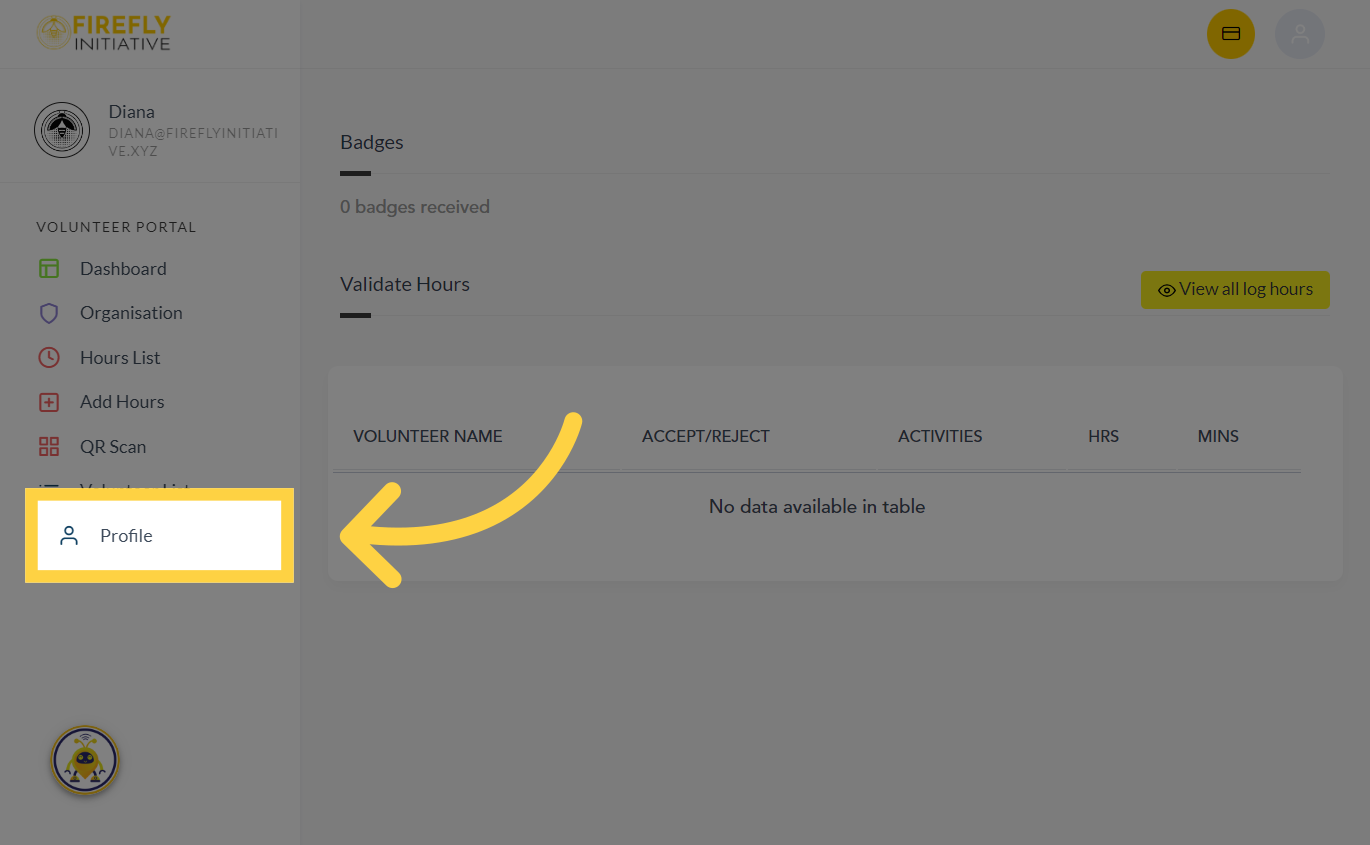
1. Click "Profile"
Access your profile by clicking on the profile button.
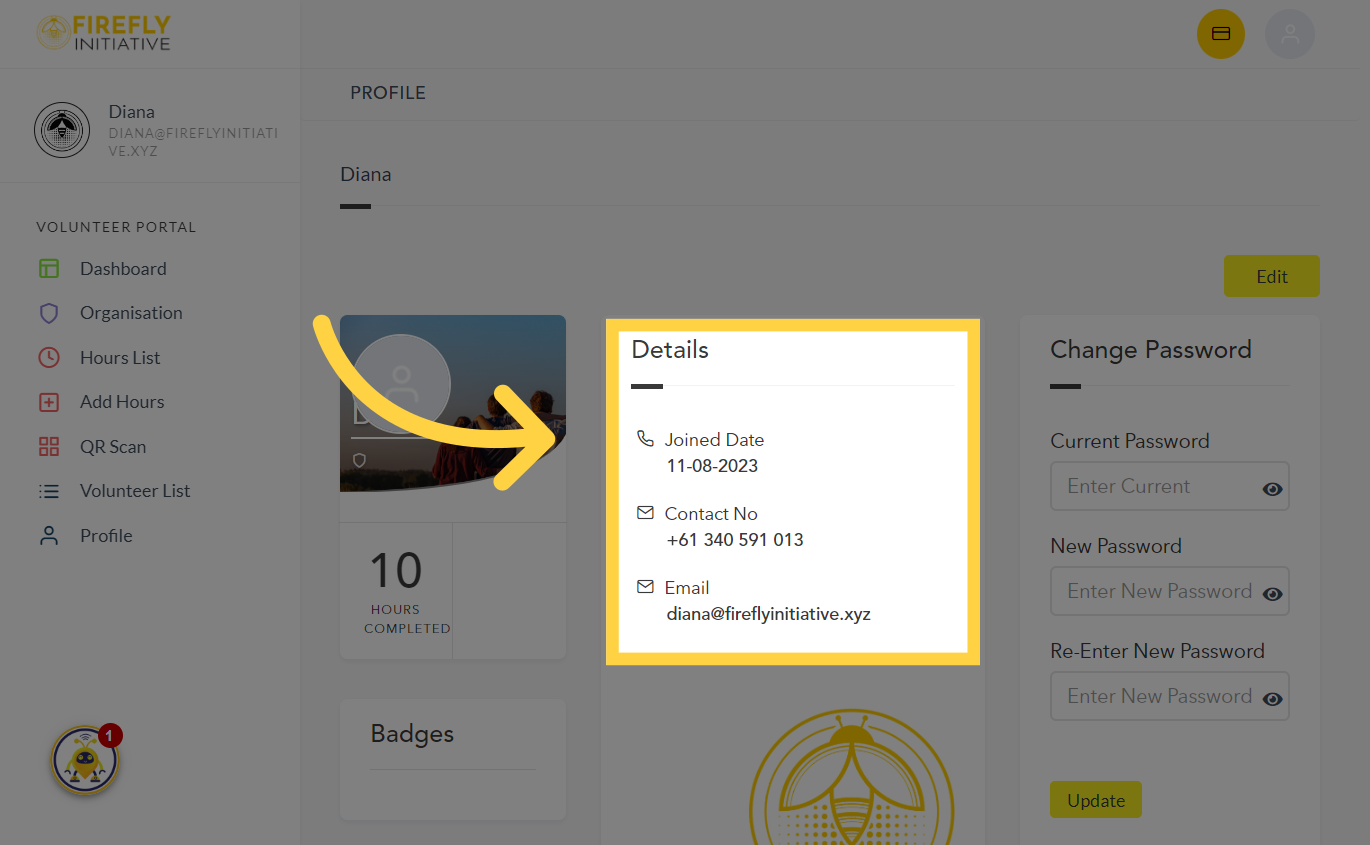
2. Navigate to your profile details
From the Details tab, you'll see the date you've joined, your contact number and email address
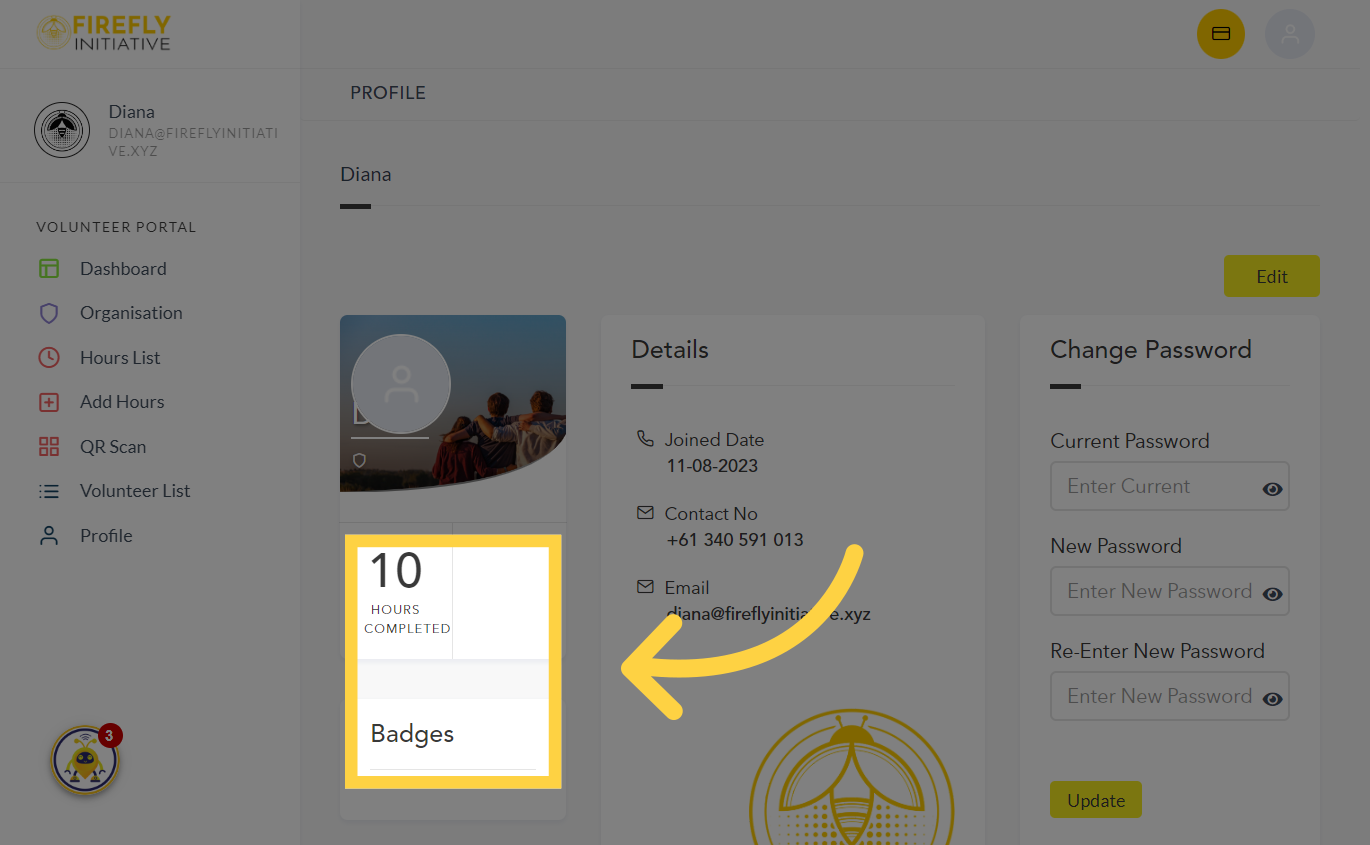
3. Check your "Badges"
From this section, you can view the total hours of volunteering you've completed and the badges you've earned.
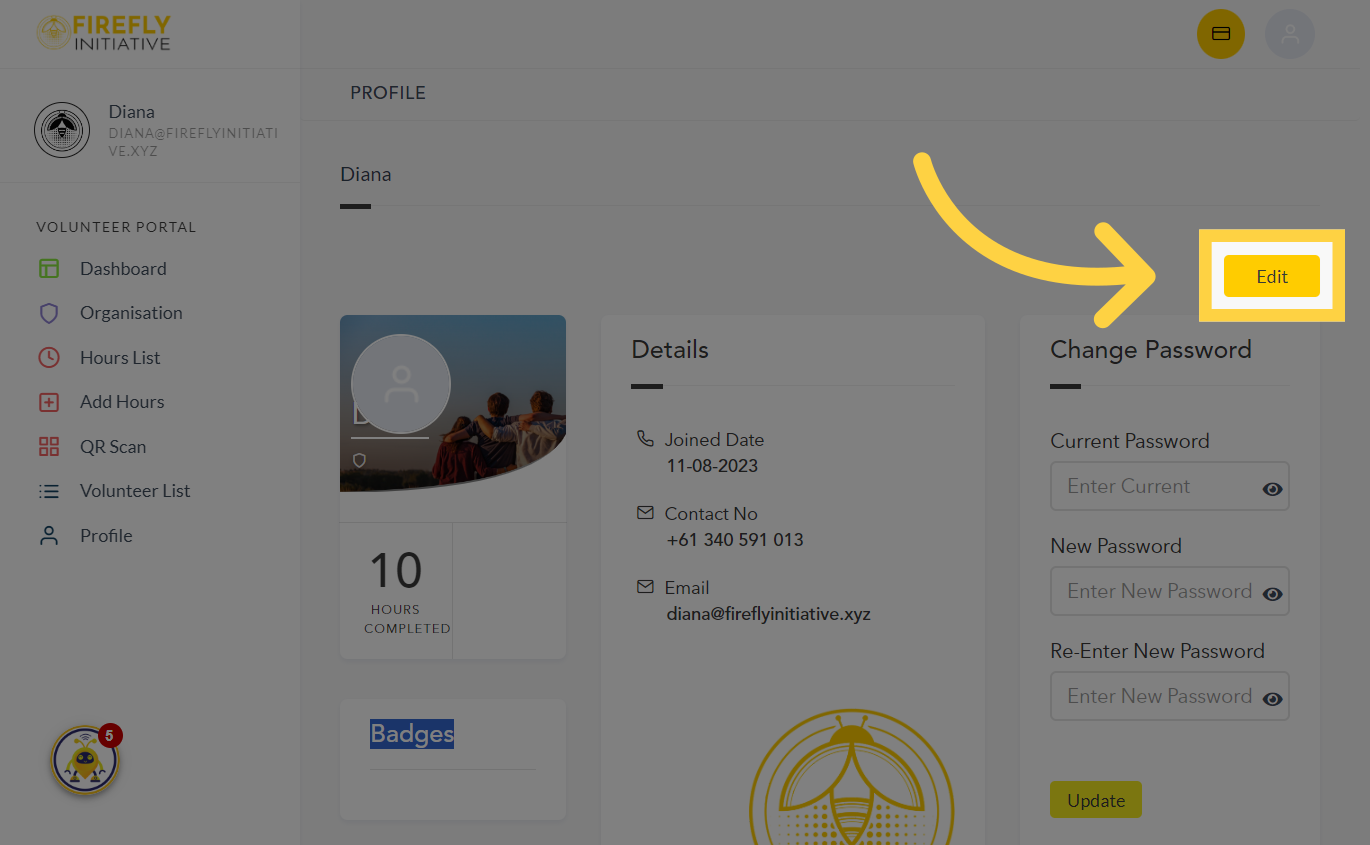
4. Click "Edit"
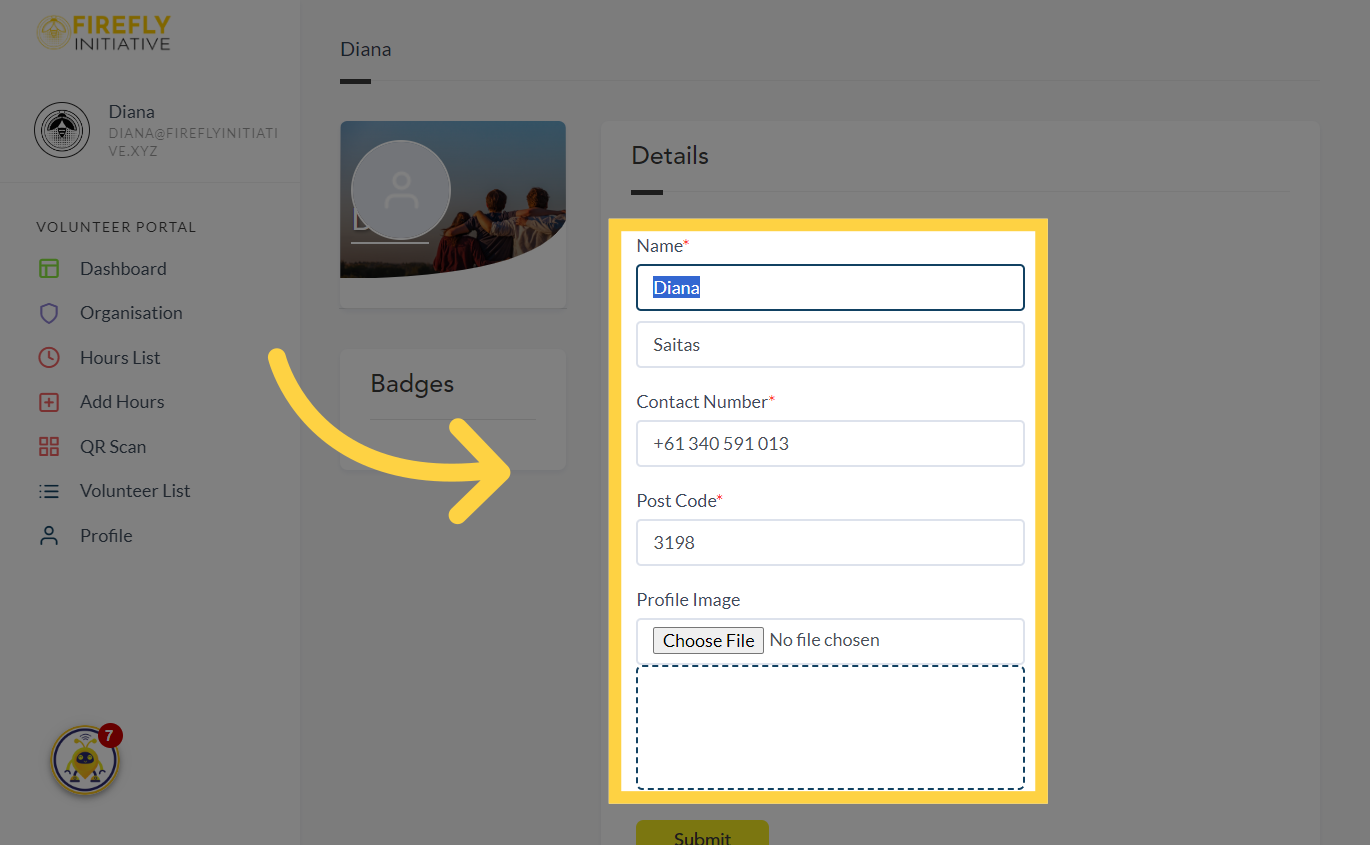
If you want to update any of your personal details like your name, contact number, address, or profile picture, click on the "Edit" option. A complete and up-to-date profile can enhance your credibility as a committed and engaged volunteer, encouraging organizations to partner with you on projects.
5. Click the section you want to change
Choose the specific details that you want to update and fill the field
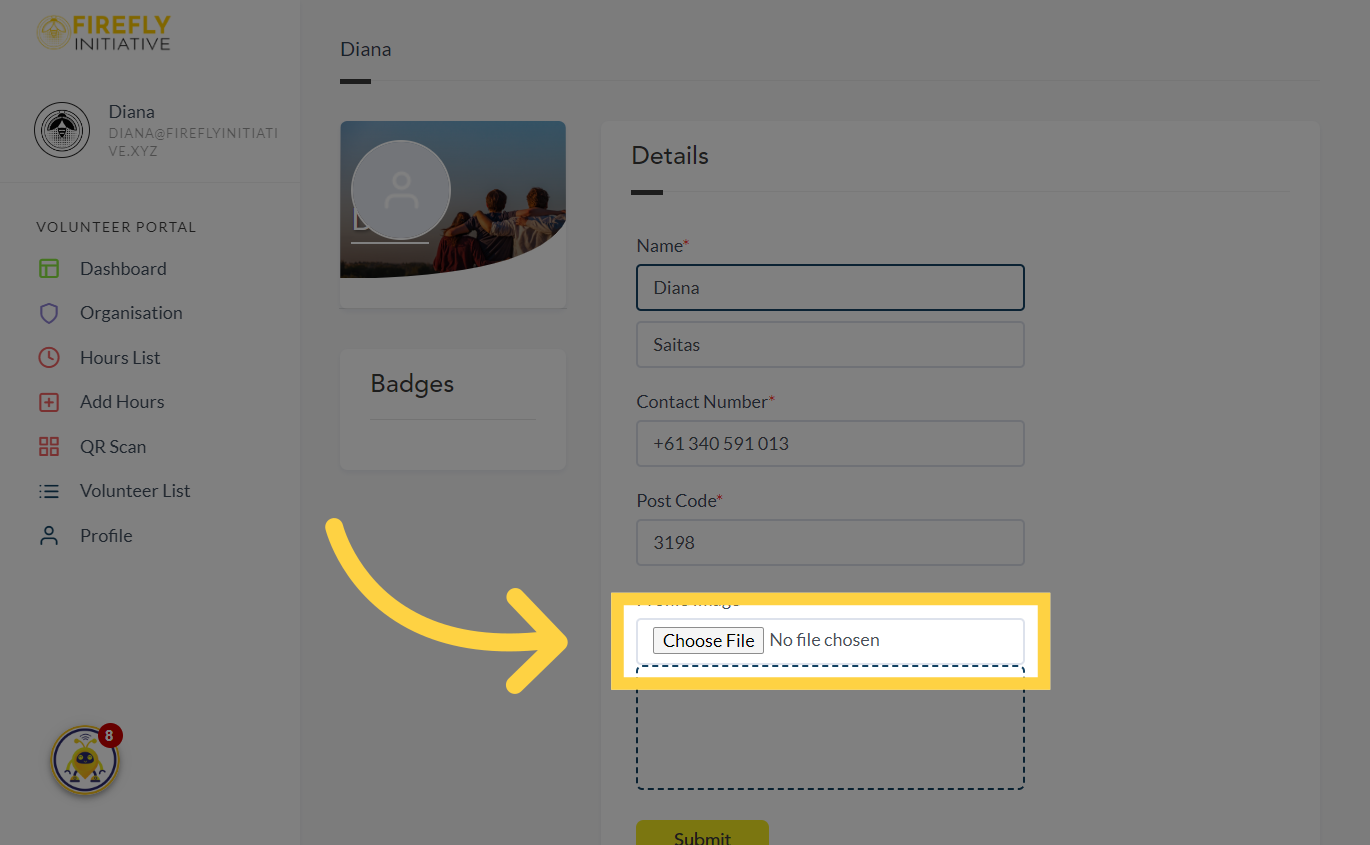
6. Click "Choose File"
If you want to change or upload a profile picture, select the "File" option.
7. Click "Submit"
Submit the changes once done. Accurate profile information allows the platform to personalize recommendations and opportunities based on your background, ensuring a more targeted and satisfying experience.

Was this article helpful?
Related Articles