
How To Claim Rewards And Discounts
Discover how to claim rewards and discounts in your Firefly Initiative Marketplace. Claiming rewards is a form of recognition for your volunteering efforts, acknowledging the time and dedication you've invested in making a positive impact.
Go to portal.fireflyinitiative.xyz
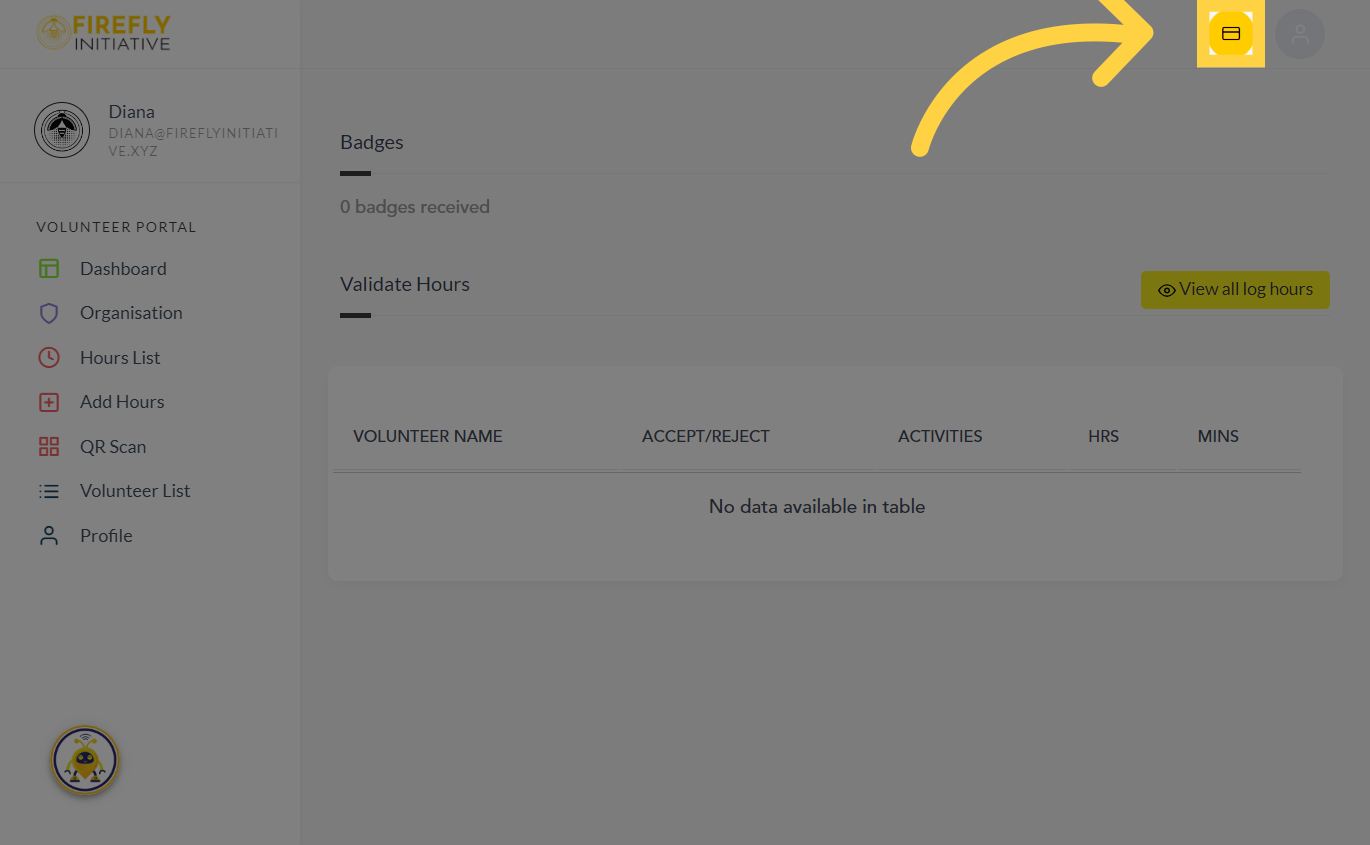
1. Click the Firefly Wallet button
Click on the Firefly Wallet button to get started.
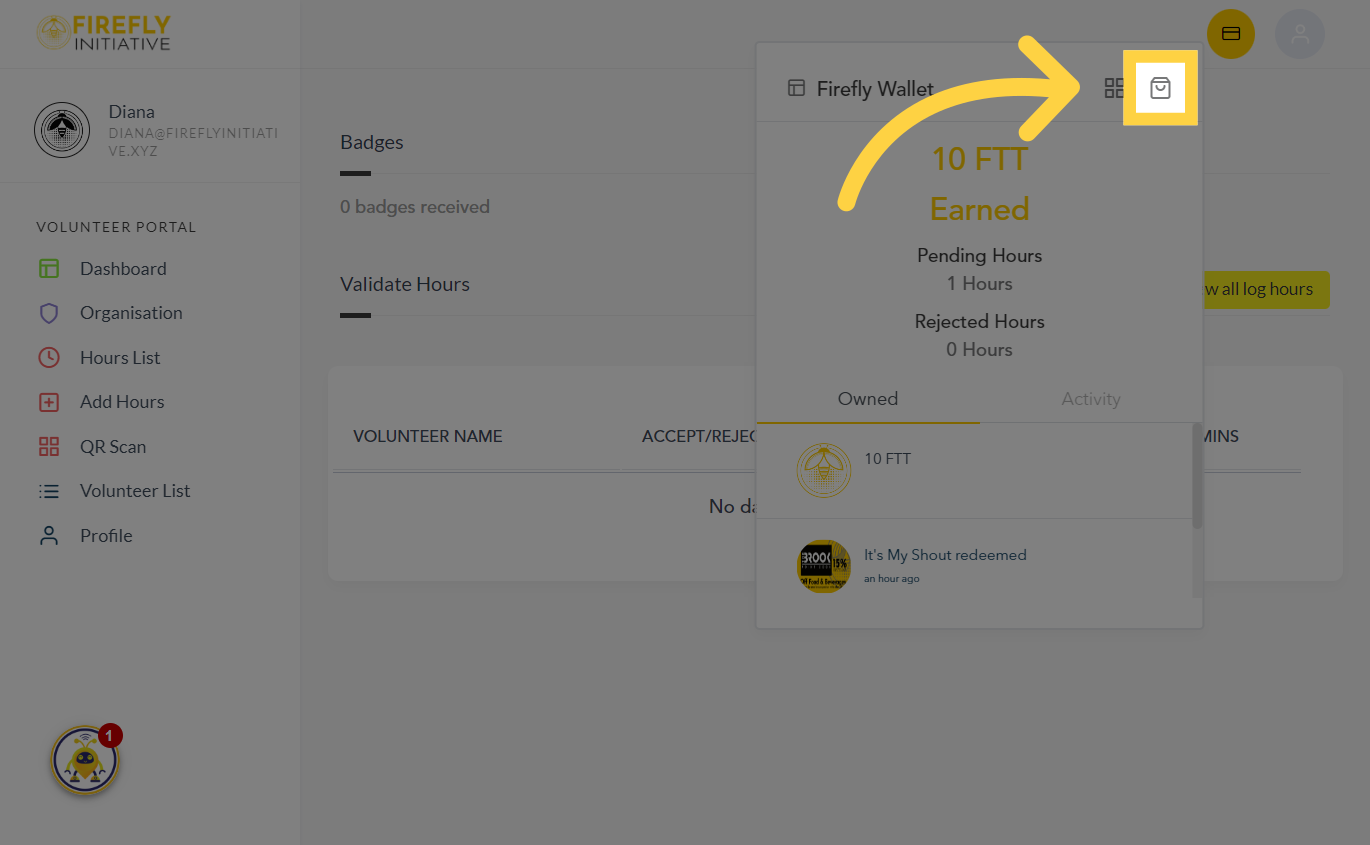
2. Click on the Marketplace Icon
Click on the Marketplace Icon. The Marketplace is where you see the discounts, Exclusive Offers, on products, services, or experiences from partner organizations, helping you save money on things you value. It provides a straightforward and efficient way to explore, select, and claim rewards and discounts.
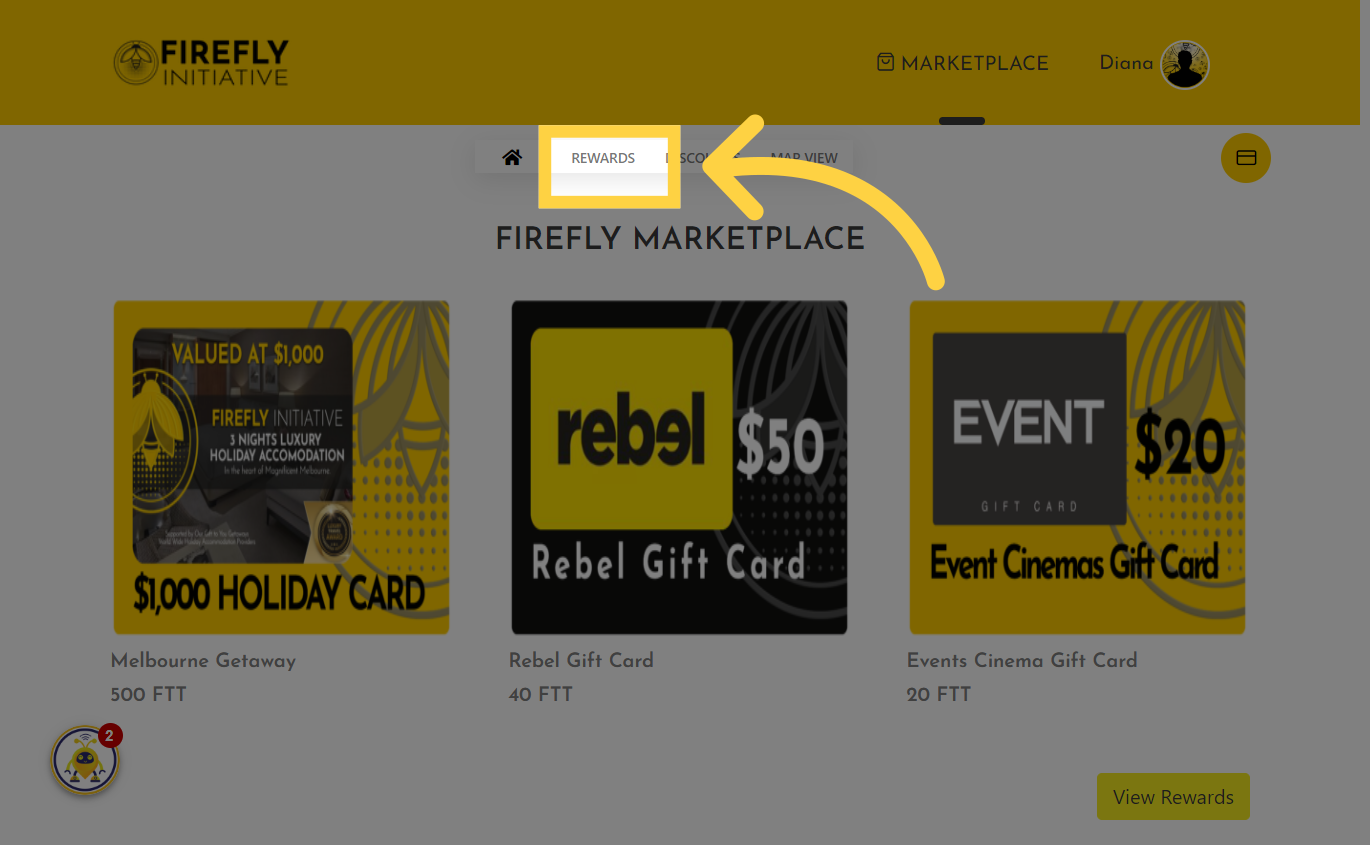
3. Click "Rewards"
Navigate to the "Rewards" section. Browse through the available rewards and discounts in the Marketplace. These could be listed in categories or sections based on the types of offerings.
4. Click "View Details"
Was this article helpful?
Related Articles