
How To Add Hours
This guide will walk you through the steps to add hours in the Firefly initiative website. You can easily bank your hours by adding your volunteering time to the platform. In return, you can exchange your accumulated time for goods, services, discounts, and exclusive experiences using the Firefly Time Tokens (FTT).
Go to portal.fireflyinitiative.xyz
1. Click "Add Hours"
Click on the "Add Hours" button to begin
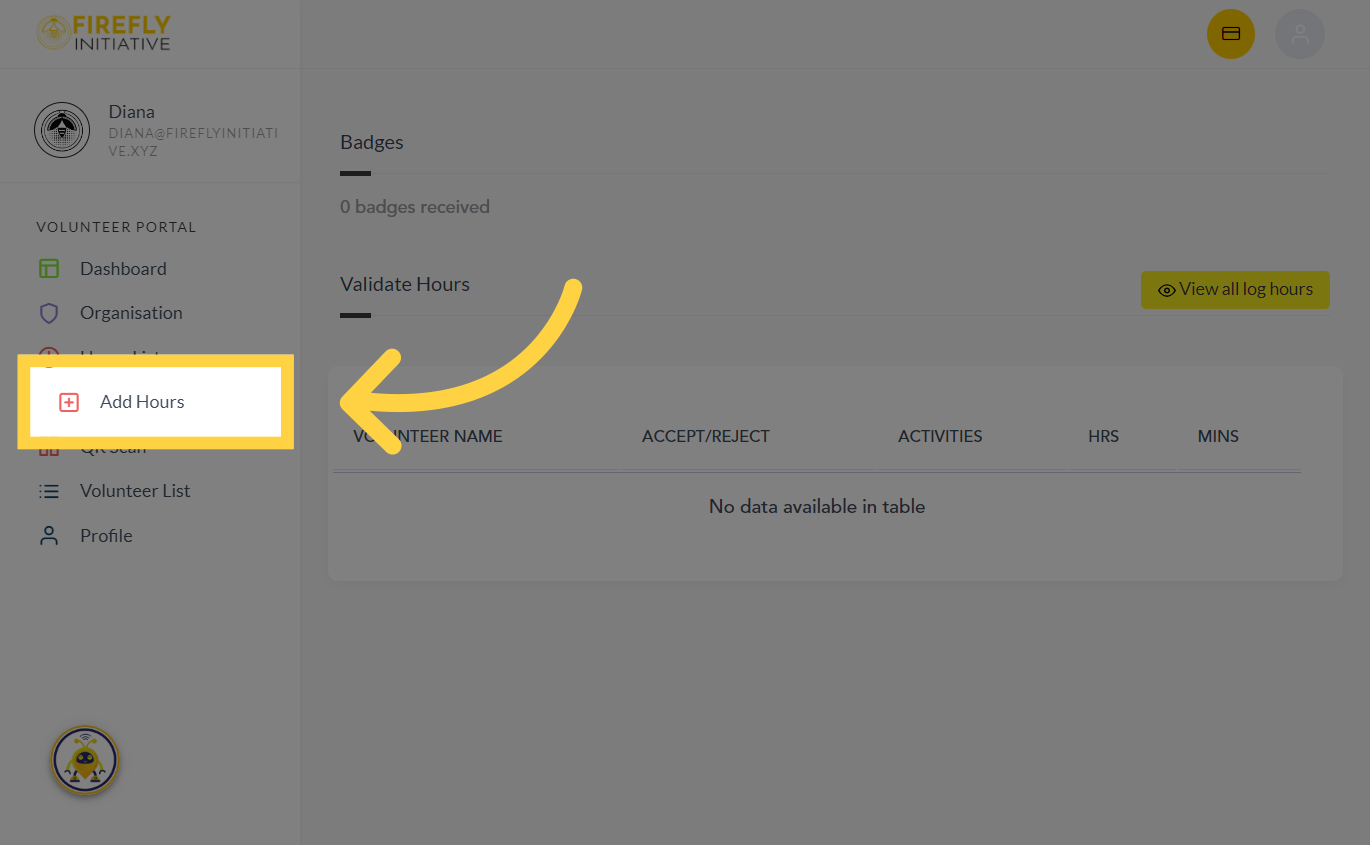
2. Click "Add Hours"
Click on the "Add Hours" button again.
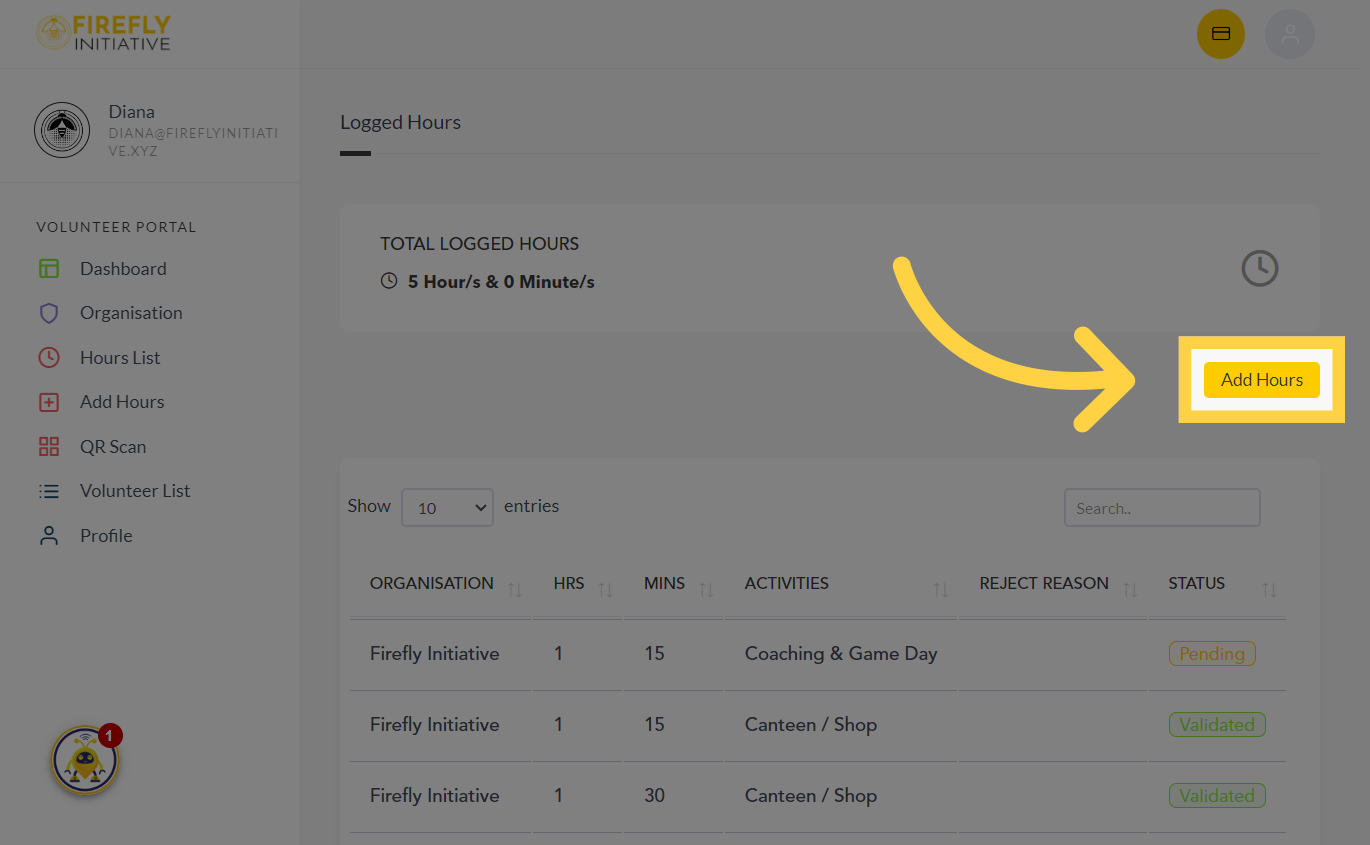
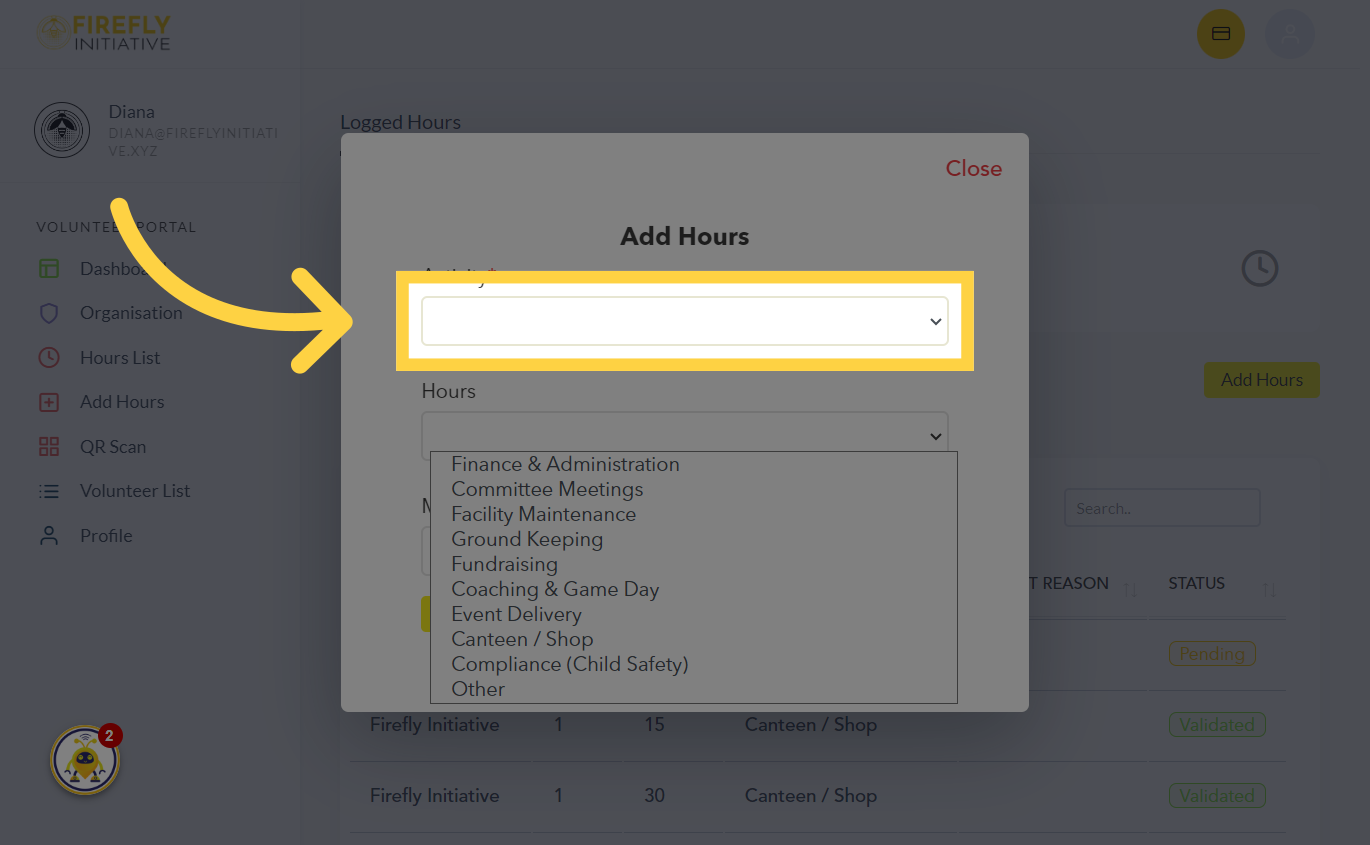
3. Click the activity dropdown menu
Select the type of activity you participated in from the dropdown menu provided
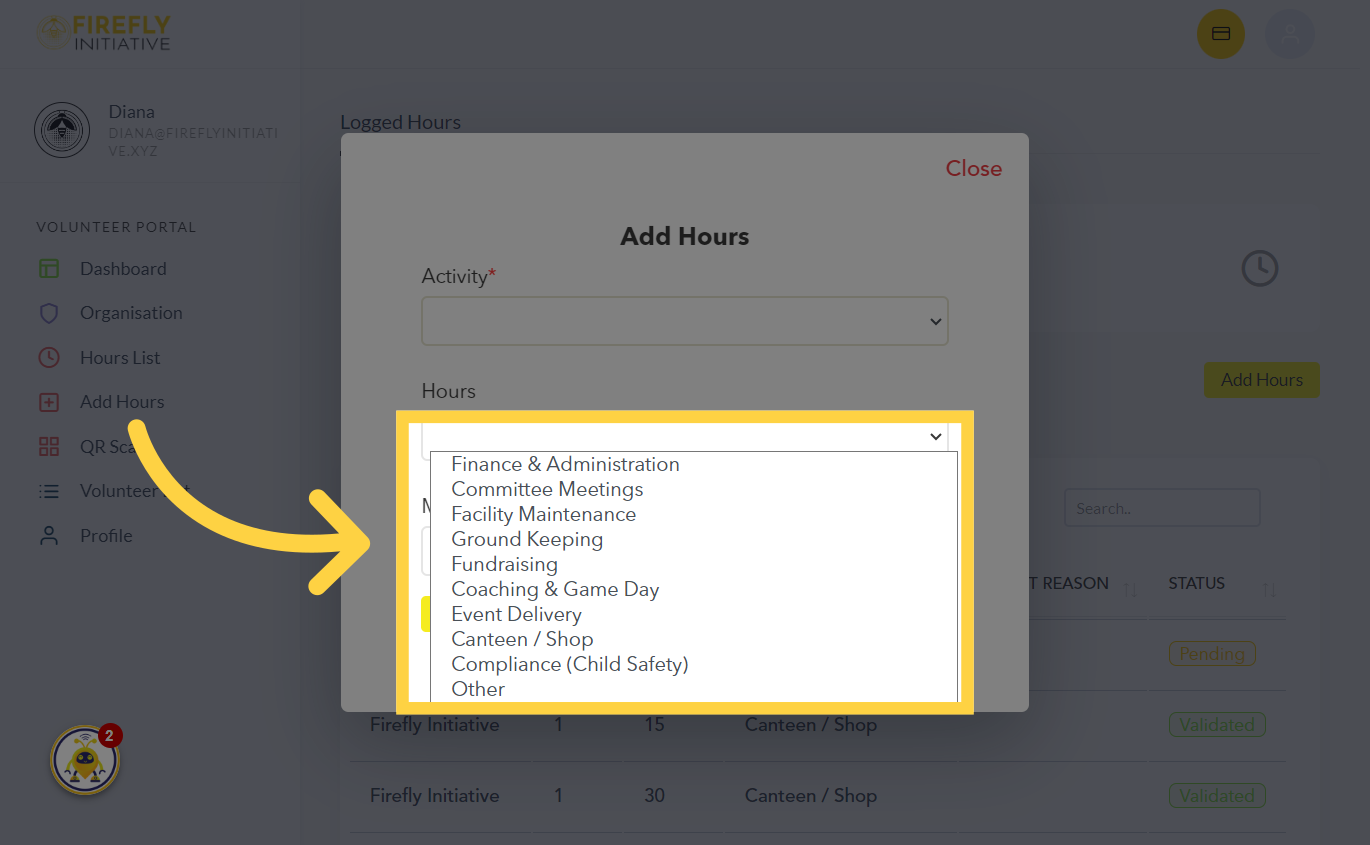
4. Choose from the available options listed below
Choose from the available options listed below.
5. Fill the Activity Type
Fill in the necessary information of the Activity Type

Was this article helpful?
Related Articles